Feeds from a homepage
Enter a regular website address. RSSEnce finds and verifies RSS and Atom feeds without making you track down an exact feed URL.

Giuzzi Lab for iPhone
Enter the homepage. RSSEnce finds the feeds.
No RSS URL to find or copy: the app searches the website for feeds automatically. You can also turn a news page without RSS into a feed, create your own news digests, and read comfortably with one hand.
What sets it apart
RSSEnce analyzes the website and automatically finds available RSS and Atom feeds, even when they are not highlighted. Choose what to follow without knowing where the feeds are. It works with websites from different countries and in different languages.
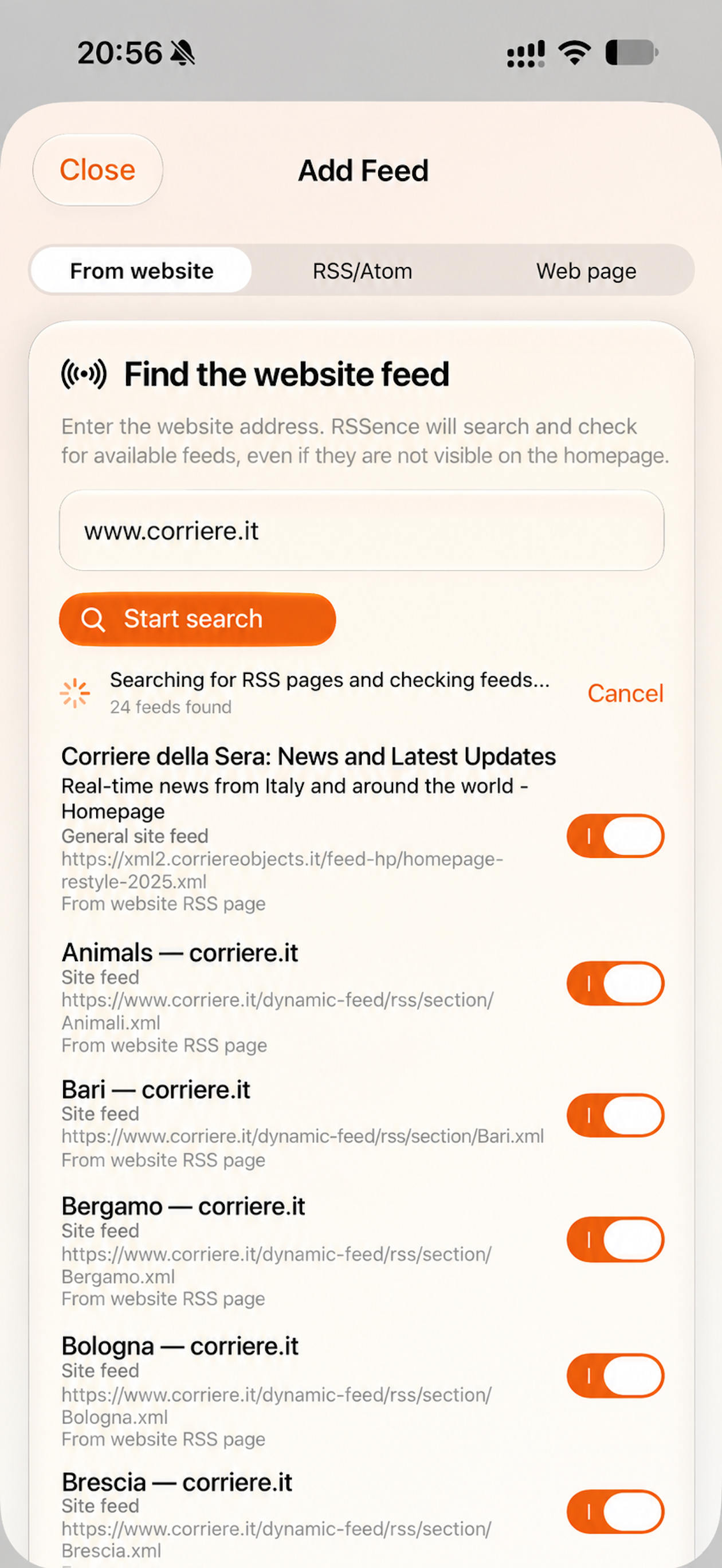
Enter a regular website address. RSSEnce finds and verifies RSS and Atom feeds without making you track down an exact feed URL.
Follow an HTML news page as a feed: paste its link, preview the articles, and add it to your library.
Bring the feeds you choose into one news digest. Articles appear together in chronological order, with their sources visible.
Choose search terms and create a digest that brings together matching news from all your feeds.
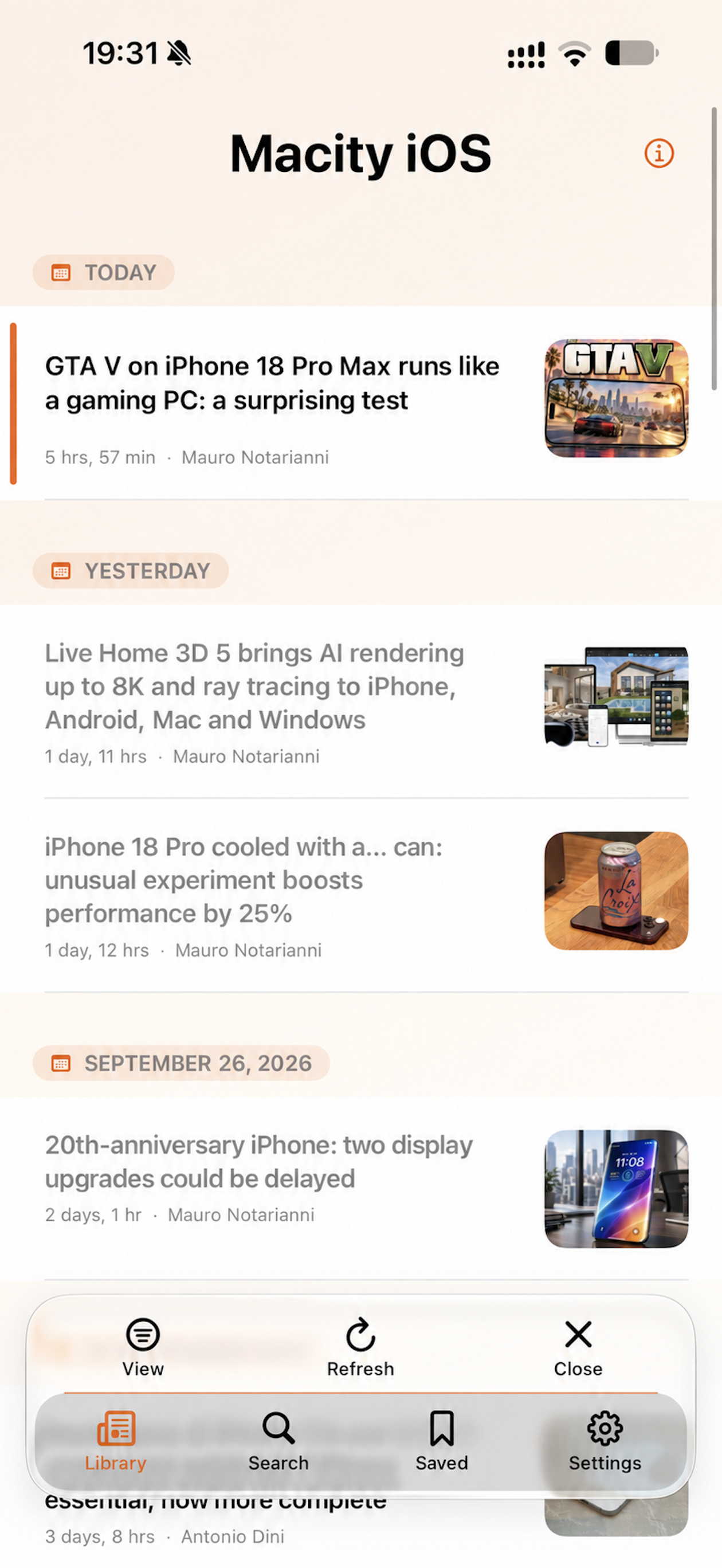
Open, navigate, save, and switch reading modes from the bottom controls, within reach of your right thumb.
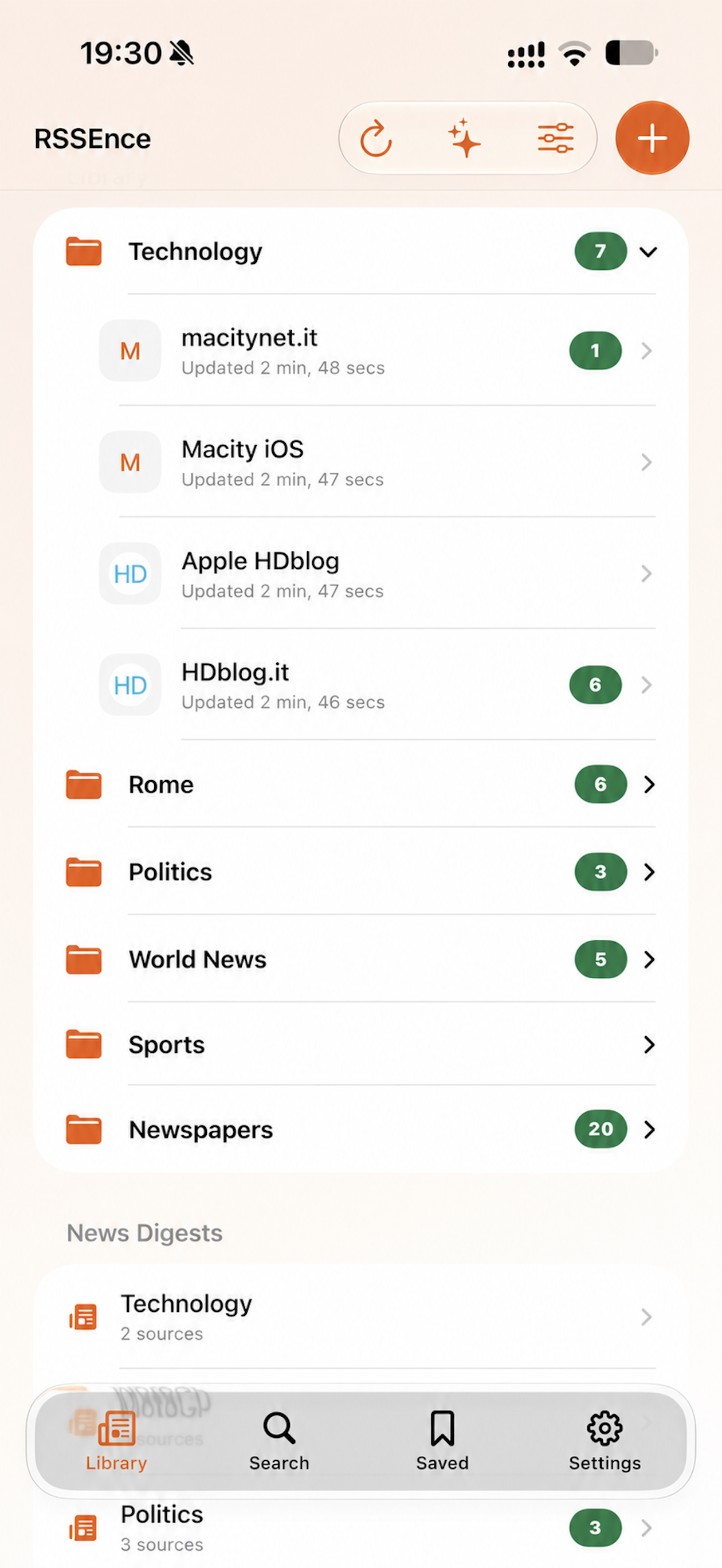
Use folders, global search, and saved articles to find what matters, without an account or a prescribed catalog.
Inside RSSEnce
The main controls sit at the bottom of the screen, designed for your right thumb. Open an article, move to the previous or next one, save it, or switch viewing modes without reaching for the top corners. Select a screen to explore the app.
The rest of the experience
From discovering sources to everyday reading, your library stays under your control.
Refresh on opening, badges, and markers for new articles: choose this session, the last 24 hours, or the last 7 days.
Search downloaded articles across all feeds and keep important ones even if you remove the source.
Preview, Reader Mode, or the original page in Safari: choose how to open each article.
Organize with folders, export feed addresses, and keep a local backup of your library structure.
A simple model
The free version keeps every feature and only limits the addition of new sources. RSSEnce Complete removes the limit with a one-time purchase.
Experience every feature with a small library.
Add as many sources as you want, with no subscription or automatic renewal.
The current localized price is shown in the app through the App Store.
RSSEnce requires no account and includes no advertising, analytics, profiling, or developer-operated servers.
Feeds, articles, reading status, saved items, and organization are stored in the app’s database.
The app contacts the websites you choose directly to find and update feeds, images, and favicons.
No. Enter the homepage and let RSSEnce find and verify the available feeds. If you already know the URL, you can add it directly.
Yes. Enter the HTML page link, check the preview, and add it as a feed. Some websites may block automated access or change their structure.
You can combine selected feeds chronologically or create a keyword digest that brings together matching news from all your feeds.
RSS, RSS 1.0/RDF, Atom, and JSON Feed.
A connection is required to find and update sources, load images, and open original pages. Downloaded articles and local search use data already on the device.
Unsaved local articles are removed. Articles added to Saved remain available with their source reference.
No. It is a one-time purchase with no automatic renewal and can be restored through your Apple Account.
Only for the optional badge showing the number of new articles. There are no promotional notifications or remote push notifications.