MeDicom
Your personal DICOM archive
Your scans.Finally organized.
Bring X-ray, MRI and CT images together in a personal and family archive. Find each study, browse its series and compare images on Mac, iPhone and iPad.
Mac · iPhone · iPad · Preparing for the App Store
Your studies and your family’s.
DICOM files in a folder you choose.
One free study, with no time limit.
Explore MeDicom
From the study you receive to your own archive.
Open any of the six areas to explore each step.
01 / An archive for the whole family
Your studies, with their story.
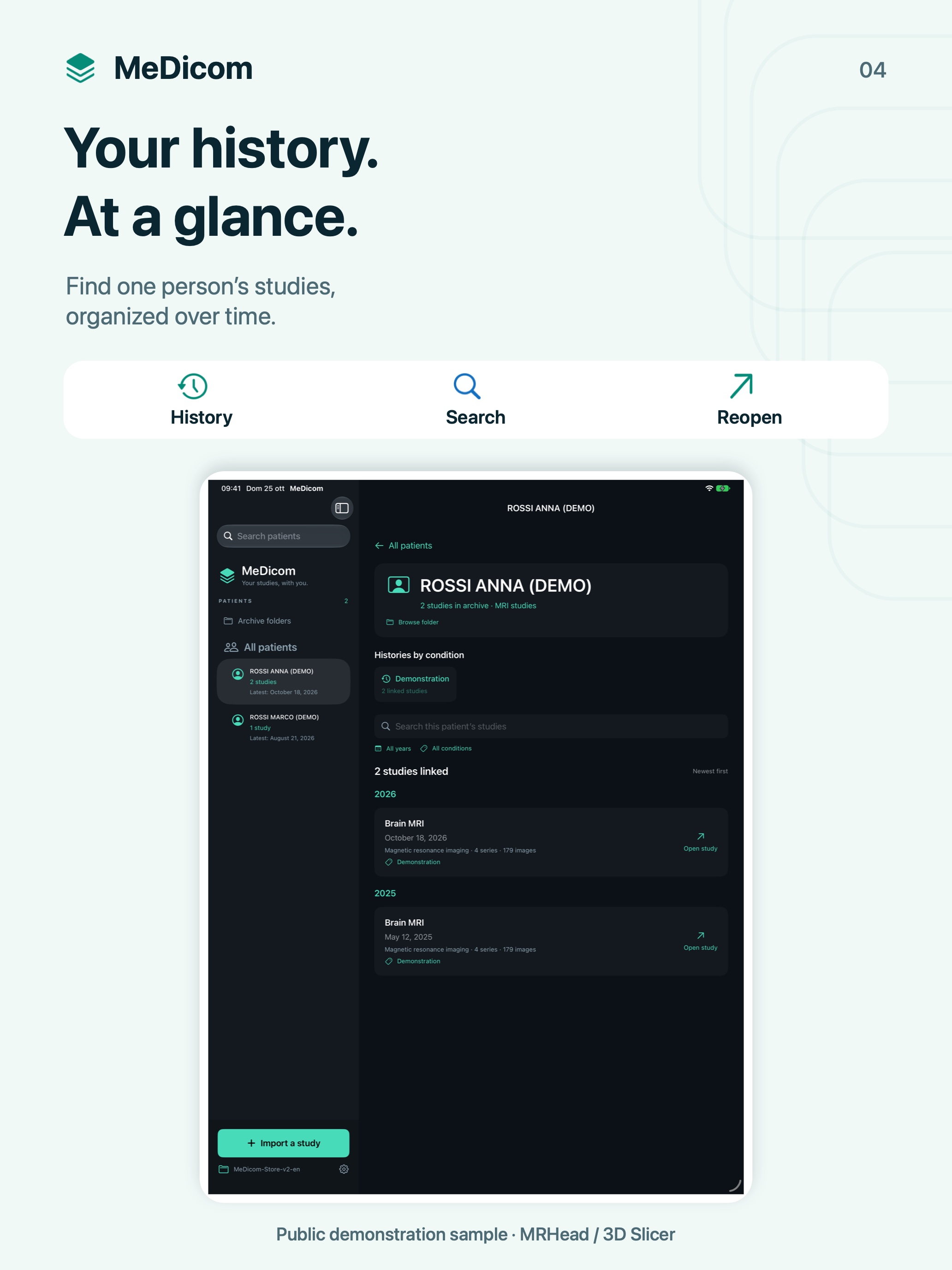
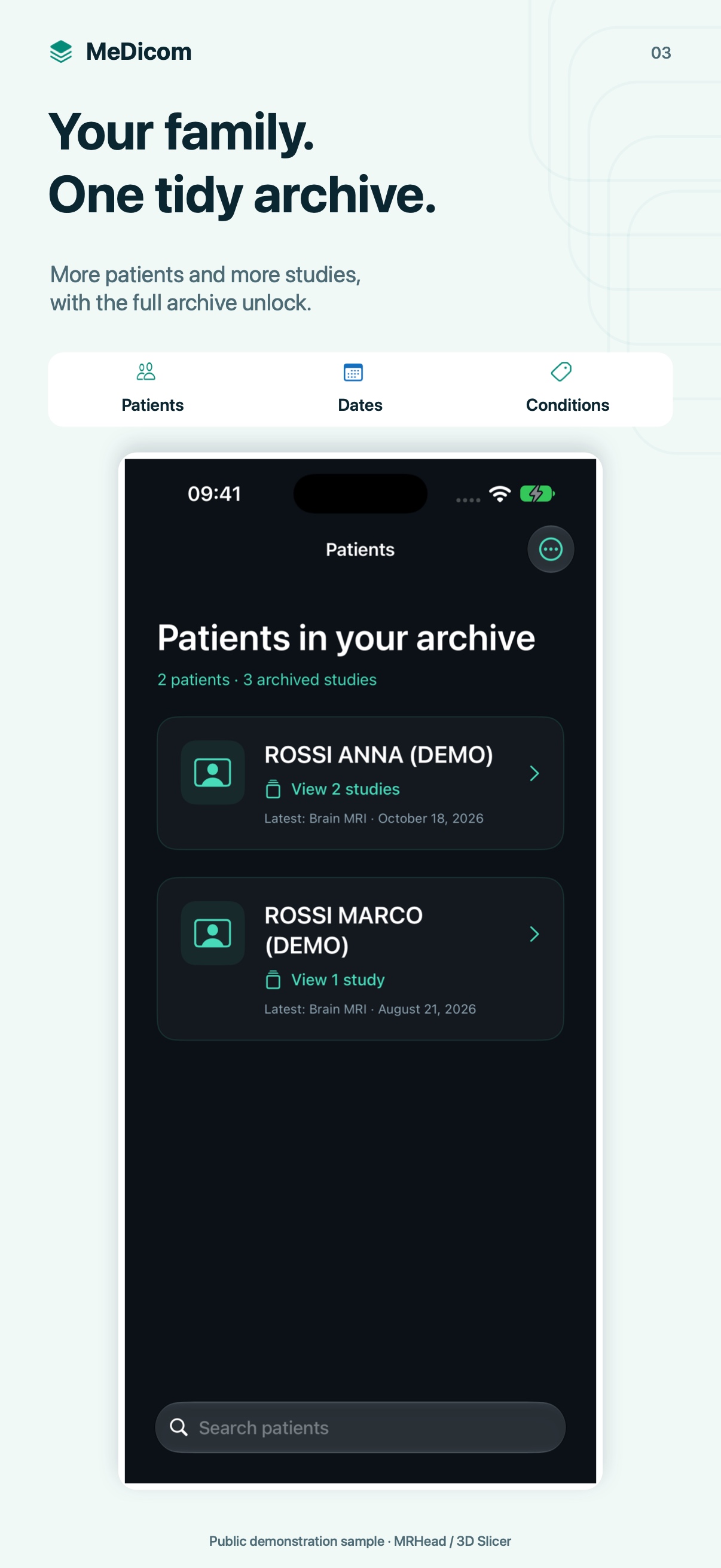
A page for each patient brings studies and histories by condition together, with readable names and filters to help you find what you need.
One person, all their studies
Move from the patient list to a personal page, then to an individual study. Study types use familiar names such as X-rays and MRI.
Choose your organization
Arrange folders by date or by condition, always within each patient. Edit the title, notes and condition assigned to a study.
Folders you can open
The archive stays in a real folder, accessible in Finder or Files. The built-in folder browser lets you explore it without losing the patient’s context.
A history over time
Search, year and condition help you find studies. Conditions are categories you choose, not diagnoses generated by the app.
Multiple studies and patients are included in the Full archive unlock.
02 / From CDs, folders and ZIPs
Import studies. Preserve the originals.
Select a folder, a CD accessible from your Mac, individual DICOM files or a ZIP archive. MeDicom searches subfolders and groups the images into studies and series.
Review before importing
The initial search shows the studies it finds without copying them into the archive. Choose the study to open and give it a readable title before confirming.
Originals stay original
Import preserves DICOM files without reencoding their images. File identifiers help recognize items already in the archive.
No extension required
DICOM files are recognized by their contents. ZIPs can include folders and other ZIPs within the supported import limits.
Study images only
MeDicom does not manage reports. PDF, Word and DICOM reports are skipped and remain in their source folders.
On Mac, open ISO or DMG disk images in Finder first, then select the mounted volume. There are no connections to health portals or PACS.
03 / Browse your images
Explore a study, one image at a time.
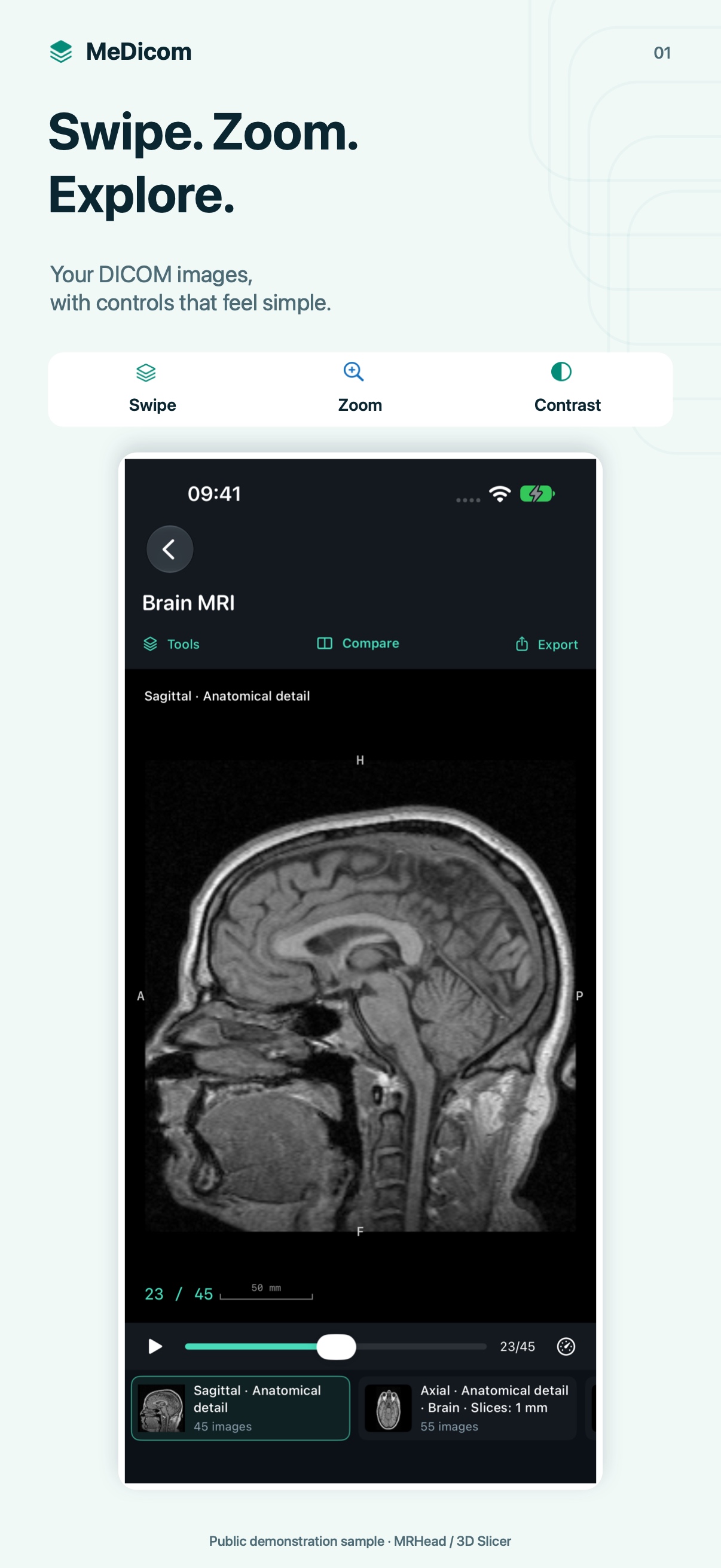
Select a series and browse its images with a vertical gesture. Use zoom, pan and playback with controls adapted to your device.
Find the right series
Planes and recognizable descriptions from the metadata make series names easier to read. MeDicom does not invent information when it is missing.
More room on iPhone
The portrait interface brings tools into a menu. In navigation tools, tap the image to enter full screen and tap again to return.
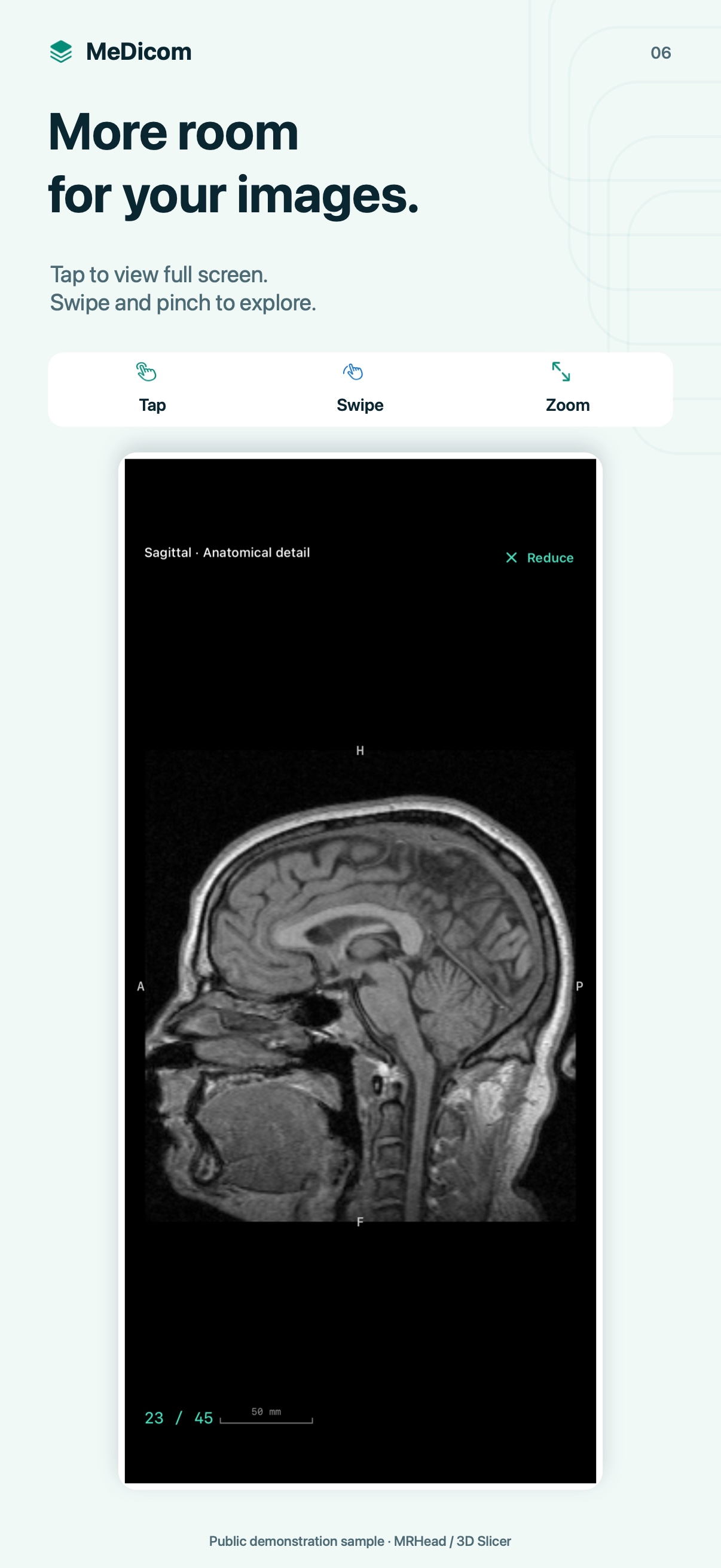
Browse your way
On Mac, use the wheel, trackpad, arrow keys or slider. The space bar starts and pauses playback.
Play the sequence
Adjust playback speed and choose whether to loop the series. The counter shows which image you are viewing.
The viewer displays supported 2D DICOM images. Video and some specialist formats cannot be displayed.
04 / More views, one comparison
See the same study from different views.
Open two or four views on Mac and iPad. On iPhone, full-screen comparison offers two, three or four panes, with a control to return to a single view.
A series for each pane
Choose which series appears in each view. Tools and export act on the selected pane.
Planes that help you navigate
As you scroll an image, its plane appears as a colored line in other compatible views. The lines follow zoom, rotation and pan.
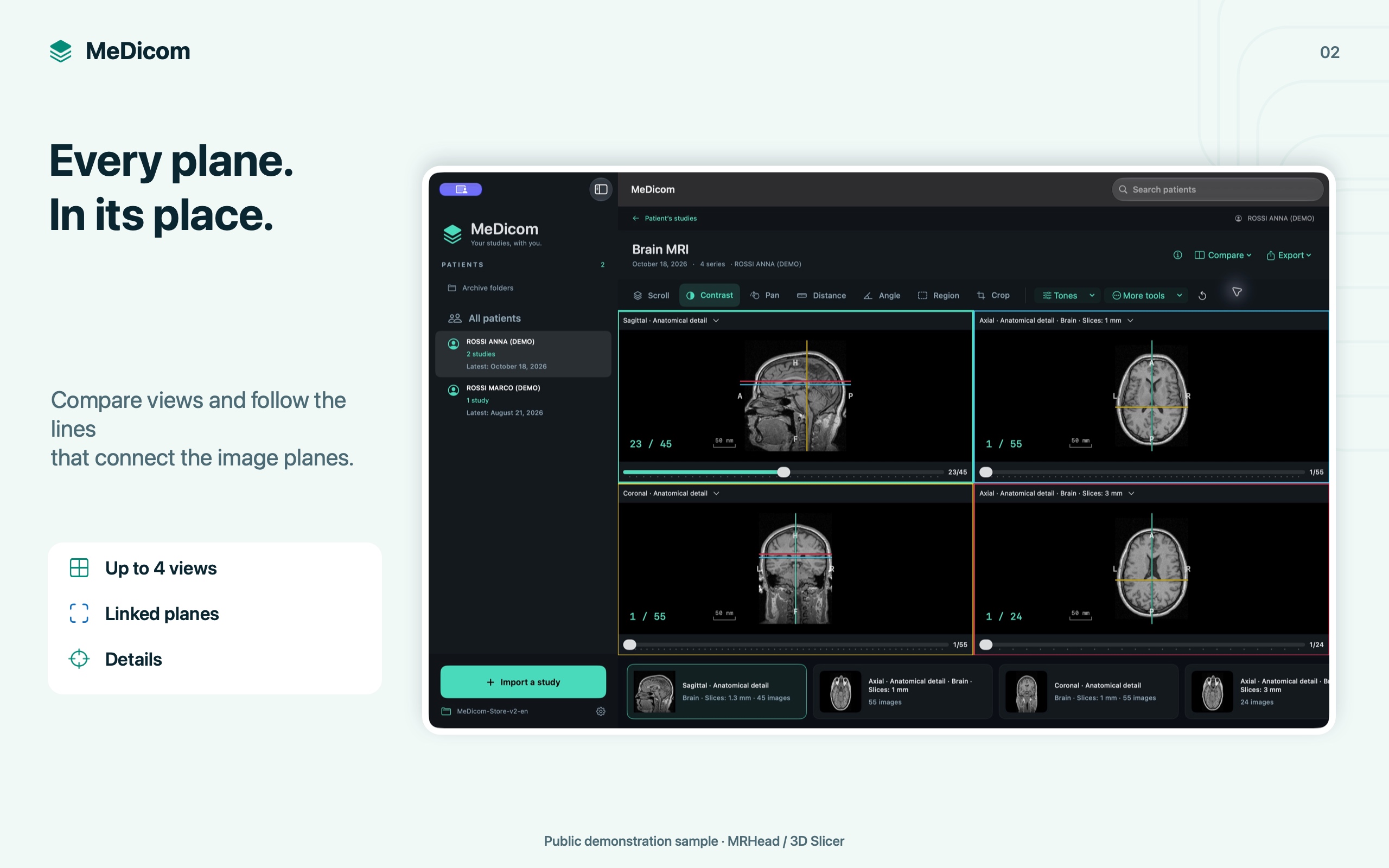
Consistent coordinates
References appear only when valid geometry metadata and a shared frame of reference are available.
Return to one view
On iPhone, Single view closes the comparison. Full screen preserves the current image, zoom and annotations.
Lines represent the planes of the available images. They are not 3D reconstructions, MPR or interactive crosshairs.
05 / Tools, measurements and notes
The details you want to revisit.
Adjust the view, measure distances and angles, inspect a region or crop a detail. Annotations and notes stay separate from the originals.
Adjust the view
Change contrast and brightness, enter precise values or choose CT presets. You can also invert tones, rotate and flip images.
Keep your observations
Add measurements and regions with statistics, a recognizable title and personal study notes. Original DICOM files are not rewritten.
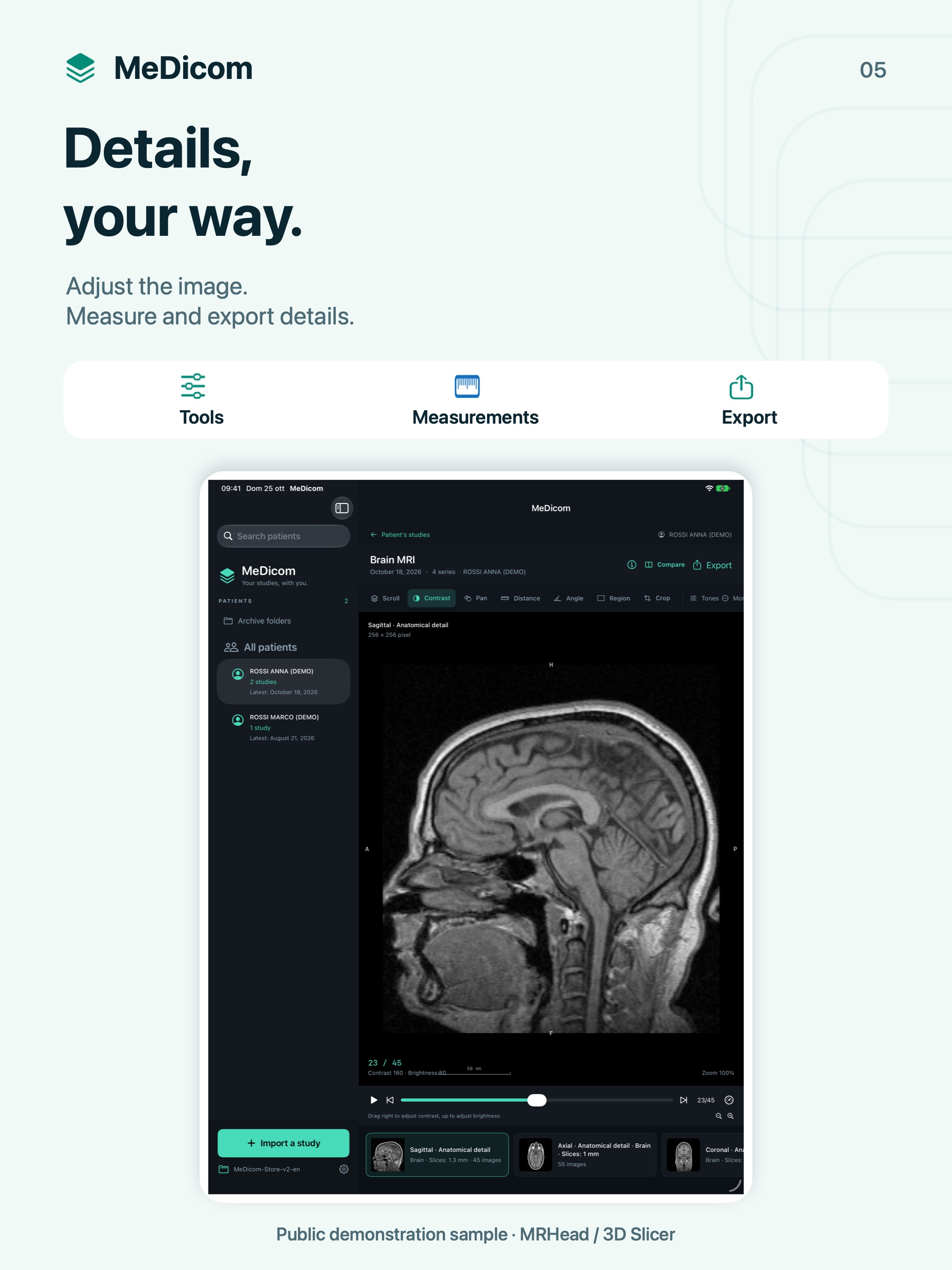
Measurements with the available scale
Distances use pixel spacing when available; without calibration they are shown in pixels. Ultrasound region-specific calibration is not supported.
Portable information
Notes and annotations are saved as JSON files in the archive, associated with images without relying on a proprietary database.
Tools for personal viewing, without diagnostic validation. Measurements do not replace a professional assessment.
06 / Export and keep
Take what you need with you.
Export the current image or a detail as PNG, JPEG or TIFF. When you need the original, choose the DICOM file or the full study with annotations in a ZIP archive.
From image to detail
Raster export uses native pixels with your chosen windowing, orientation and crop. The exported file is separate from the original.
Your archive, your folder
Choose a local destination, iCloud Drive or another document provider. Synchronization, when enabled, is handled by your chosen service.
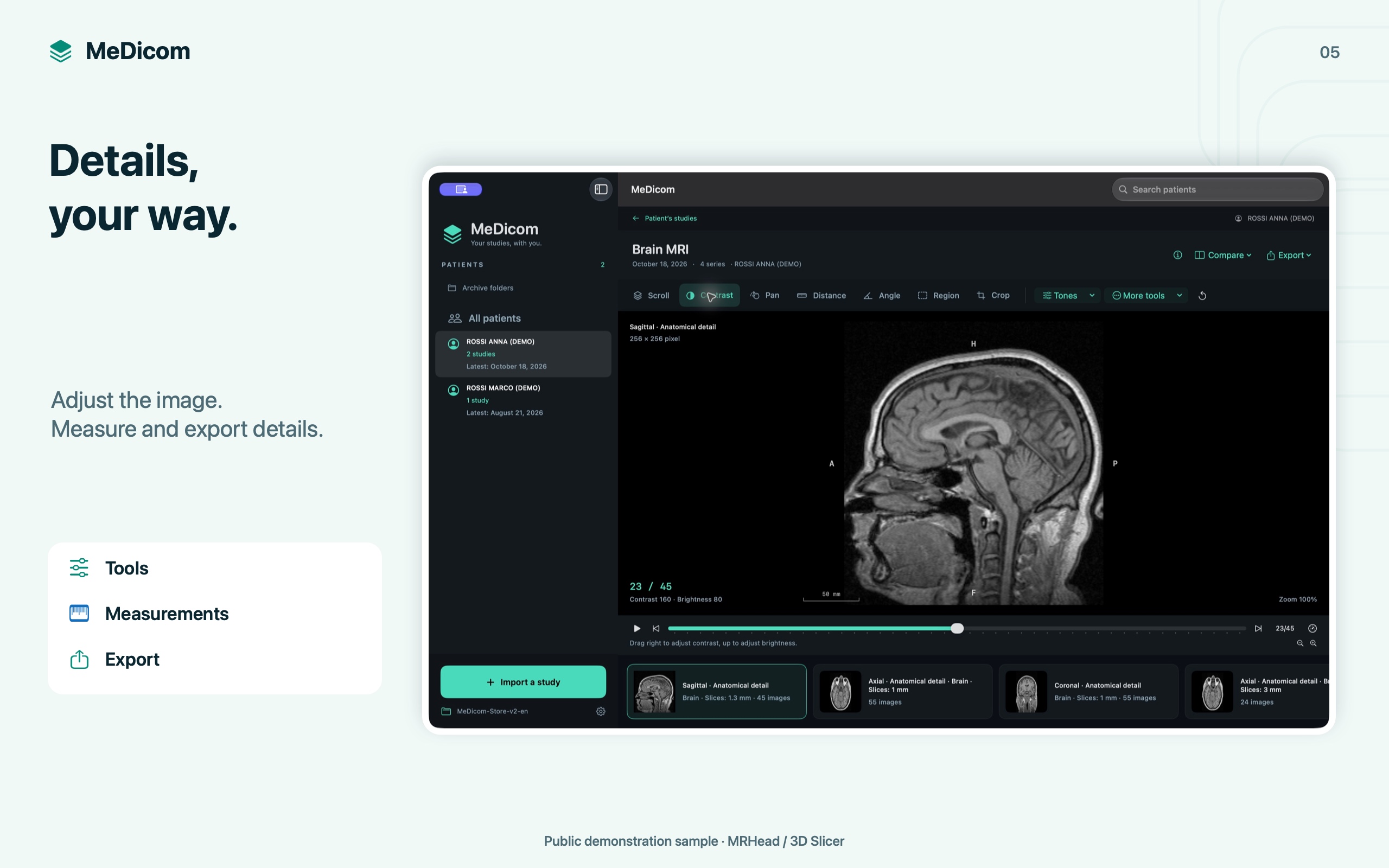
Original or viewing copy
PNG, JPEG and TIFF exports are 8-bit RGB images. DICOM files preserve the original data and bit depth.
Share with care
Originals and ZIP archives may contain names, identifiers and health information. MeDicom is not an anonymization tool.
MeDicom does not operate its own cloud. Storage, backups and shared copies depend on your chosen destination.
Screenshots prepared for the App Store: real iPhone, iPad and Mac interfaces with demonstration data.
One free study. Then, your whole archive.
One study, no time limit
Choose one study for a single patient and view its images with all the tools. Reopen it without a time limit. Deleting it or changing folders does not let you choose a different free study.
Full archive
A one-time in-app purchase unlocks multiple studies, multiple patients and full archive management. No subscription. The price will be displayed on the App Store and in the app before purchase.
Files stay in the folder you choose.
Images are processed on your device. The developer does not receive your studies on their servers. If you choose iCloud Drive or another provider, files follow that service’s settings and privacy policy. The archive also retains personal information in the DICOM files.
Import, view, find: we can help.
The support page answers questions about formats, the archive, iCloud Drive and purchases. To report an issue, include your device, app version and steps to reproduce it, without sending studies or health information.
For personal viewing. MeDicom is a 2D DICOM image viewer and archive. It is not intended for diagnosis and does not replace medical reports or professional advice.